Can I make a DTF gang sheet without Photoshop?
Yes. A browser-based builder can size, duplicate, arrange and export finished artwork without manually laying out a large Photoshop canvas.
DTF GANG SHEET GUIDE
A production-ready gang sheet starts with correctly sized artwork and ends with a file your own RIP can open at the intended physical size. The layout in between should use as little film as the job allows.
Fill My Film creates the gang sheet file for your own printer or RIP workflow. It does not print or ship DTF transfers.
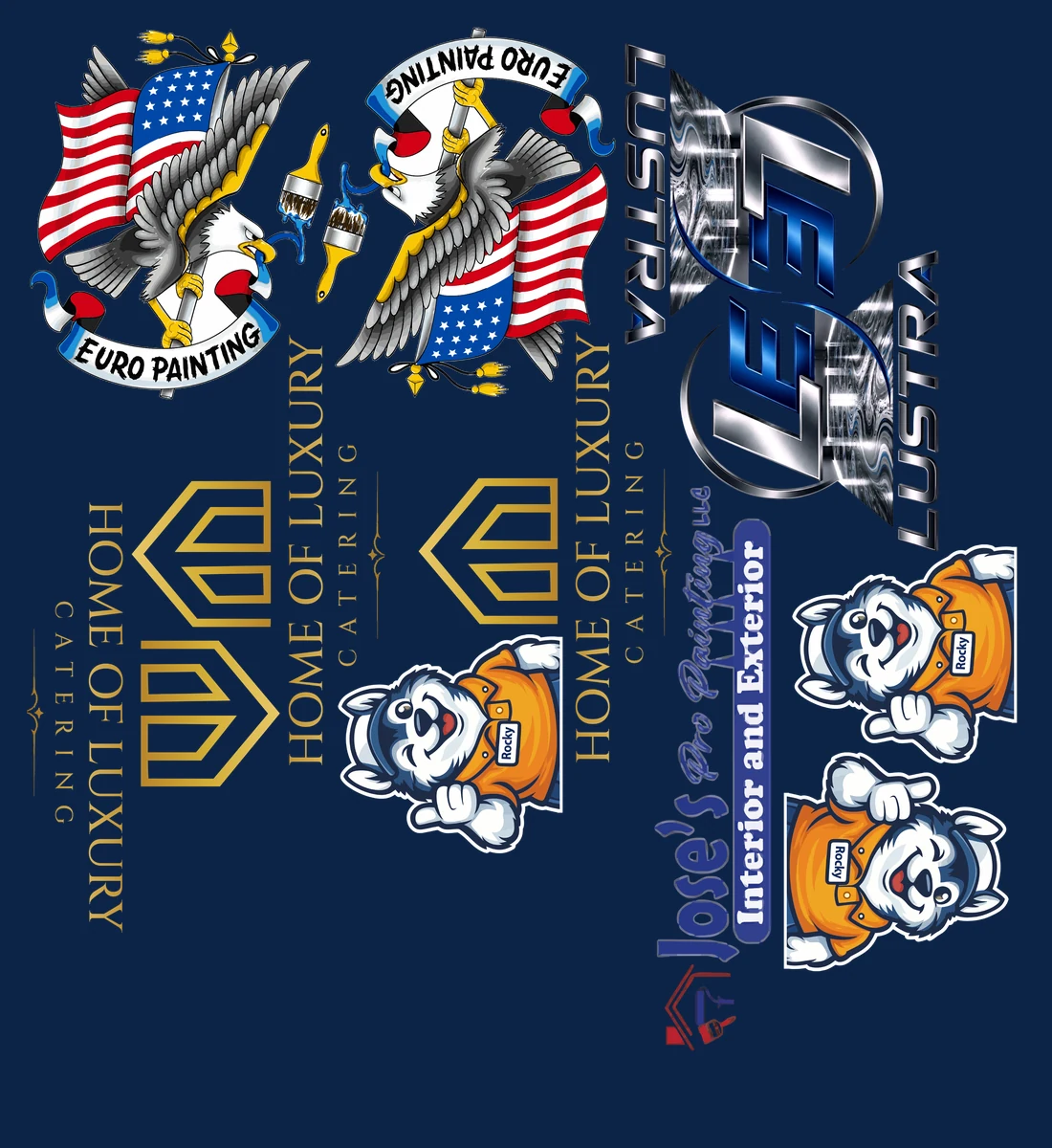
THE SHORT ANSWER
Add the finished artwork, assign the physical print size and quantity for every design, enter your roll width and cutting gap, run the nest, inspect the result, and export the finished sheet as a resolution-tagged PNG.
01 · PREPARE
Remove unwanted backgrounds before building the sheet and confirm every design is sharp enough at its final print size. A large pixel count does not automatically make a file production-ready; what matters is the pixels available at the physical size you intend to print.
Keep each customer design as its own file. That lets the builder apply an exact size and quantity instead of forcing you to edit a preassembled canvas.
02 · DEFINE THE RUN
Enter the printable roll width, edge margin, image gap, quantity and allowed rotation. These values determine whether a layout is merely compact on screen or actually usable at the cutter and printer.
Use a fixed sheet length when a vendor or workflow requires one. Use an exact job length when the goal is to stop the film immediately after the final print.
03 · NEST AND EXPORT
Basic packing reserves a rectangle around every file. MAX reads the printable silhouette and can place compatible shapes into otherwise empty corners while preserving the selected gap.
Confirm every required copy is present, inspect the calculated sheet length, then export the PNG at 150, 300 or 600 DPI. Test the first file in your specific RIP before sending a production run.
QUESTIONS PRINTERS ASK
Yes. A browser-based builder can size, duplicate, arrange and export finished artwork without manually laying out a large Photoshop canvas.
Fill My Film exports a PNG with physical-resolution metadata. Choose the DPI required by your own production workflow.
No. Fill My Film creates the file for your own printer or production workflow; it does not print or ship transfers.
MORE PRINTS · LESS FILM
Start free. No card. Your artwork stays in your browser.